
3D Print Log is a simple tool for tracking 3D prints. Easily record details of your 3D printers, filament usage, print status, print duration and more.
View the quick start guide, or jump into it by creating a free account today and start logging!
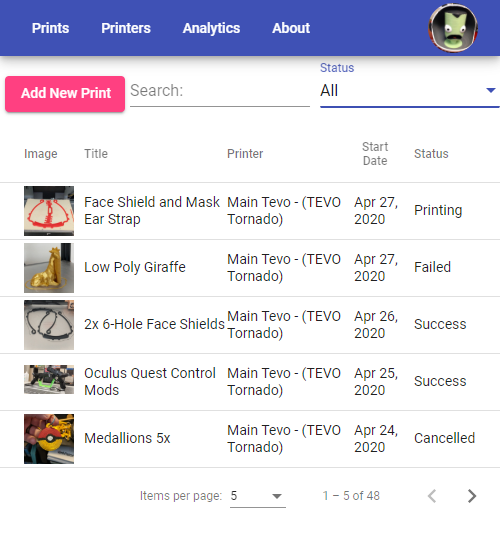
Track Every 3D Print
Log details for every print. Upload pictures, track print times and filament usage, save notes and more. Search through past prints so you never forget a detail again.
Create Your Material Library
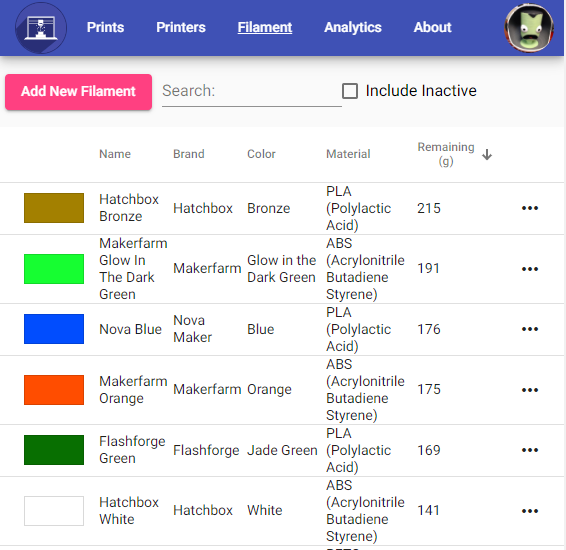
Keep track of every roll of filament and bottle of resin. See what colors and materials you have, record filament usage and know exactly how much material is remaining on each spool or in the bottle. Never start a print again wondering if there is enough material to finish.
View Print Analytics
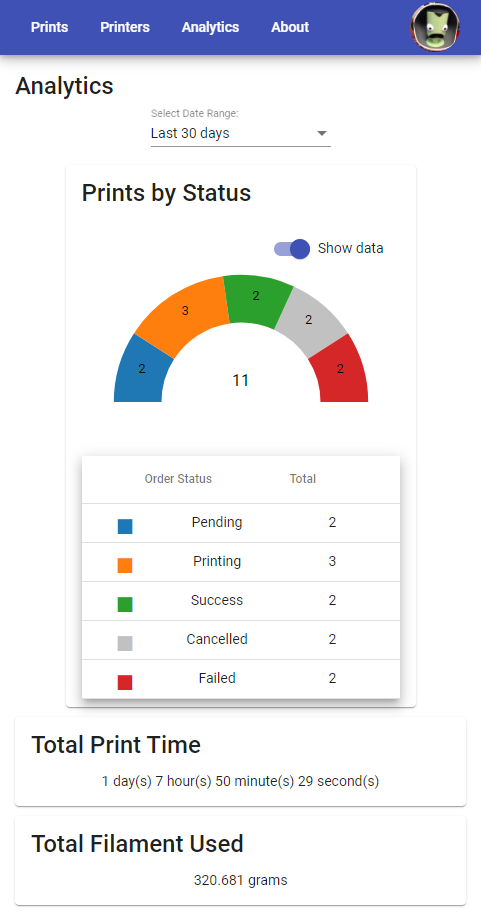
See statistics about your prints. Metrics like total print times, material usage, and how often your prints succeed are just a click away.
Automatically Upload with Slicer Integrations
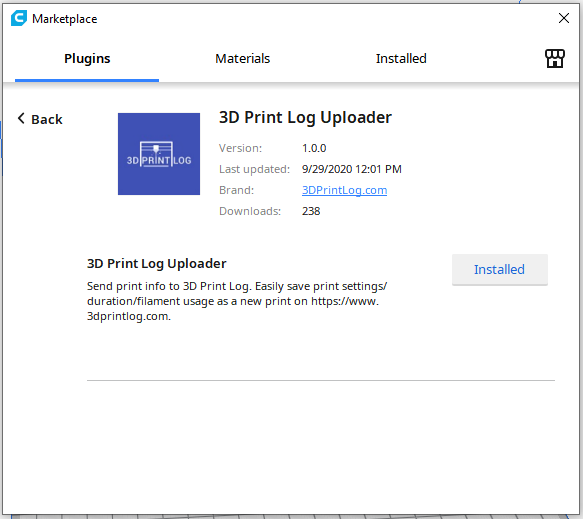
Send prints straight from your slicer. 3D Print Log works with OrcaSlicer, Bambu Studio, PrusaSlicer, Creality Print, SuperSlicer, and Ultimaker Cura, filling in your print details and settings automatically. Cura uses our Marketplace plugin; the others use our post-processing uploader.
And you can setup Octoprint or Klipper/Moonraker to automatically send print status updates to 3D Print Log.